
Slides vary by event, this covers our large gatherings such as Sunday morning or all church conferences. Our slides are built in a program called ProPresenter and are done using a template to ensure all slides from everyone speaking in the series or event are displayed consistently. If you are unsure if you need to follow this process, please reach out to Zachary Flight with any questions.
Slides should be sent by noon 4 days before the service. If you are ready sooner than that you can send them as soon as they are ready. For a Sunday morning message this would be Wednesday at noon.
Message Slides
Keep it simple - you want people to focus on what is being said, not focusing on what is on the screen
Include all verses - unless you are just mentioning a verse, all verses that you read and reference should be put on the screen, the assumption should be made that not everyone has a Bible and even if they do there is often not enough time to open to the correct verse before it is being read
Keep things short - for points it is best to have short points people can read quick and then listen to the message, smaller points are also easier to remember
Images must be non-copyrighted - please verify that all images are usable before sending, below is a list of places to find free copyright free images:
If you are unsure of slides, please reach out ahead of time or ask when sending in slides
Some Things to Keep in Mind When Building Slides
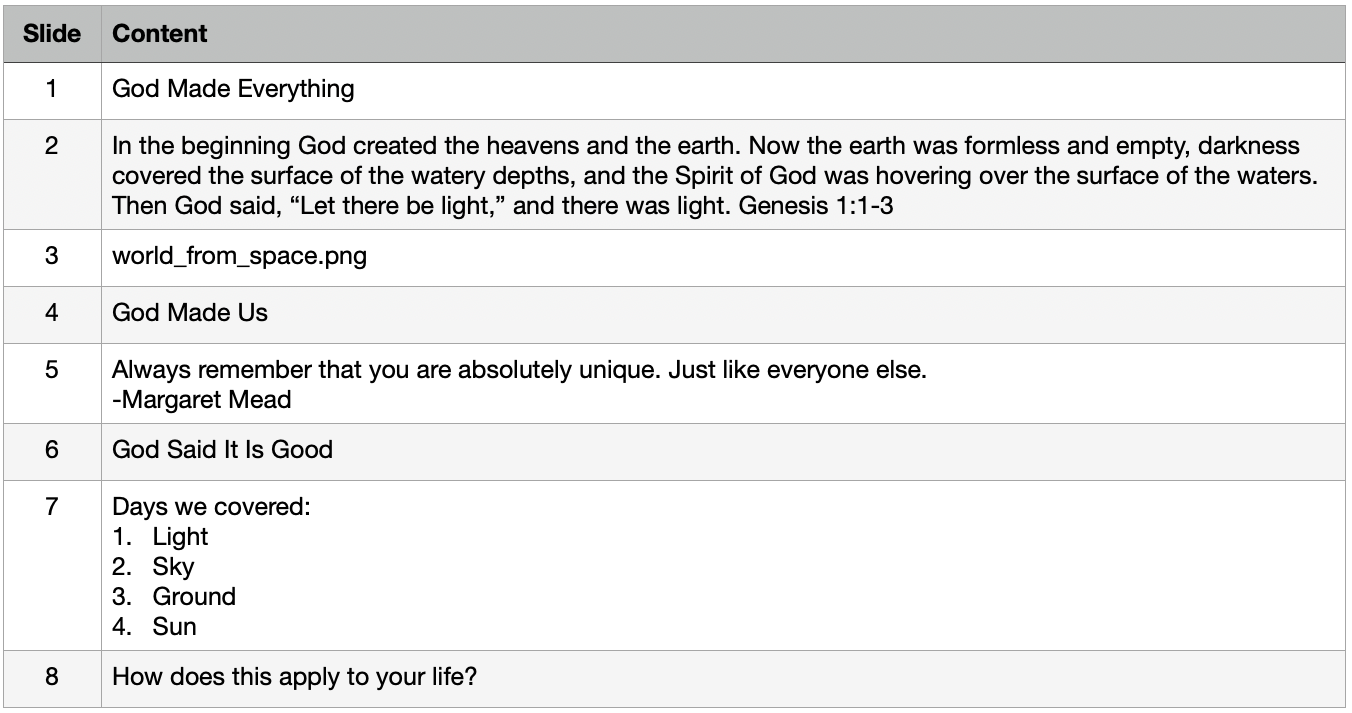
Download the slide template and fill it out (see example)
Message slides typically fall into four categories:
Point
Scripture or Quote
List
Image
Send slides to Zachary Flight (zachary@grotonbiblechapel.org)
Sent by noon 4 days before the service
Sending Slides:
Template Example:
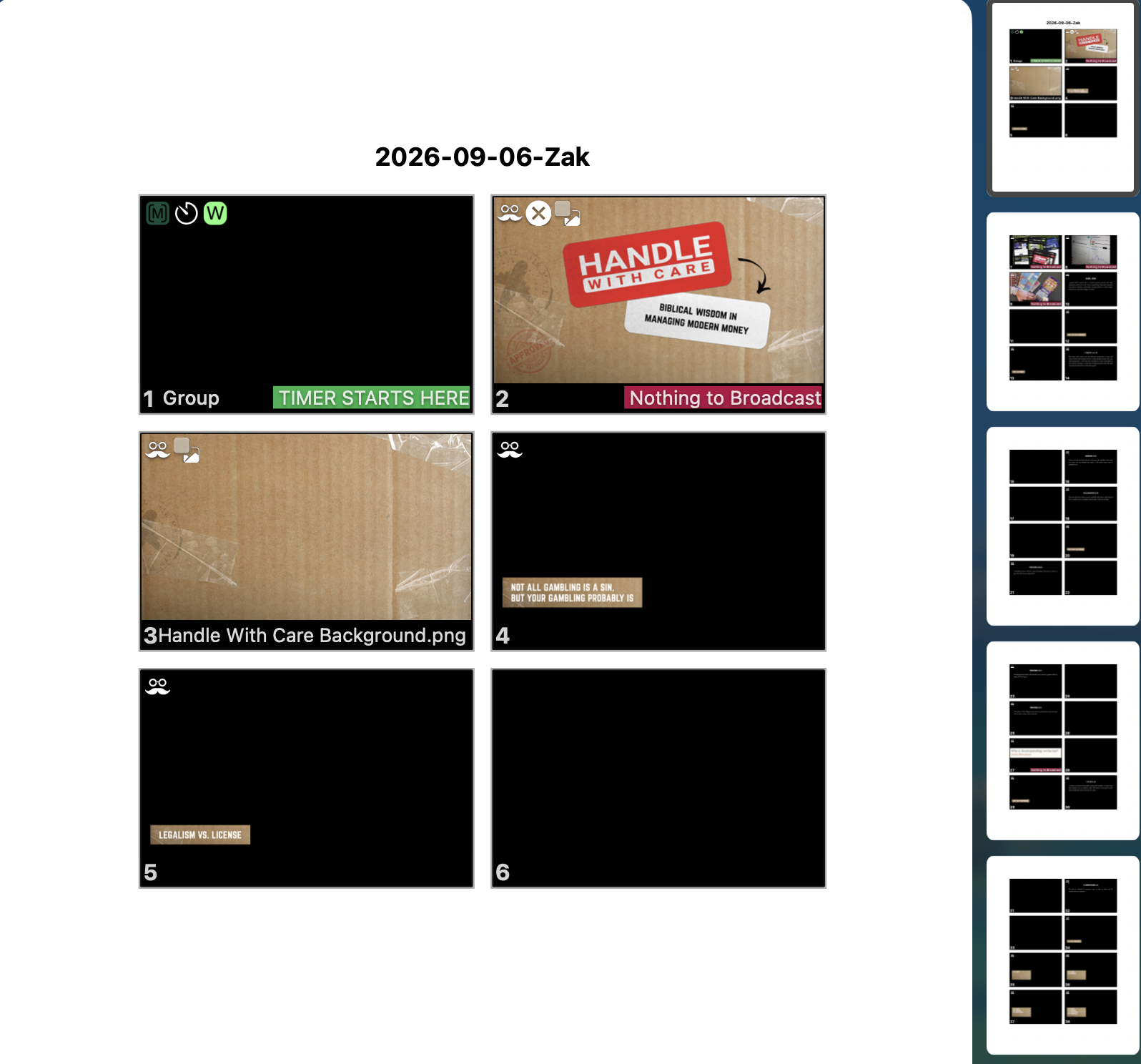
Once slides are completed, a PDF of the slides will be sent back for review and verification. Check to make sure no slides were missed, all verses/quotes/etc. are correct, and everything is as you expected.
ProPresenter can output multiple looks per slide, so slide may show what it will look like on the big screen or what it may look like online. Please simply verify that content is correct.
The example here is from a message Zak gave in our September 2026 series entitled “Handle With Care”.
Verifying Slides:
Output Example:
On the day of the message, provide any last minute notes/details to operator prior to service. This typically includes a manuscript and any special notes such as waiting for a specific line to show a picture or asking that verses go up before they are read.